Official source match
Check if it matches the real store listing.
Check if an app is the real and official version, review its permissions, privacy practices, reviews, subscriptions, and other warning signals before you download.
Frontend preview: no app is looked up, uploaded or scanned. Comparison cards use fictional demo data.
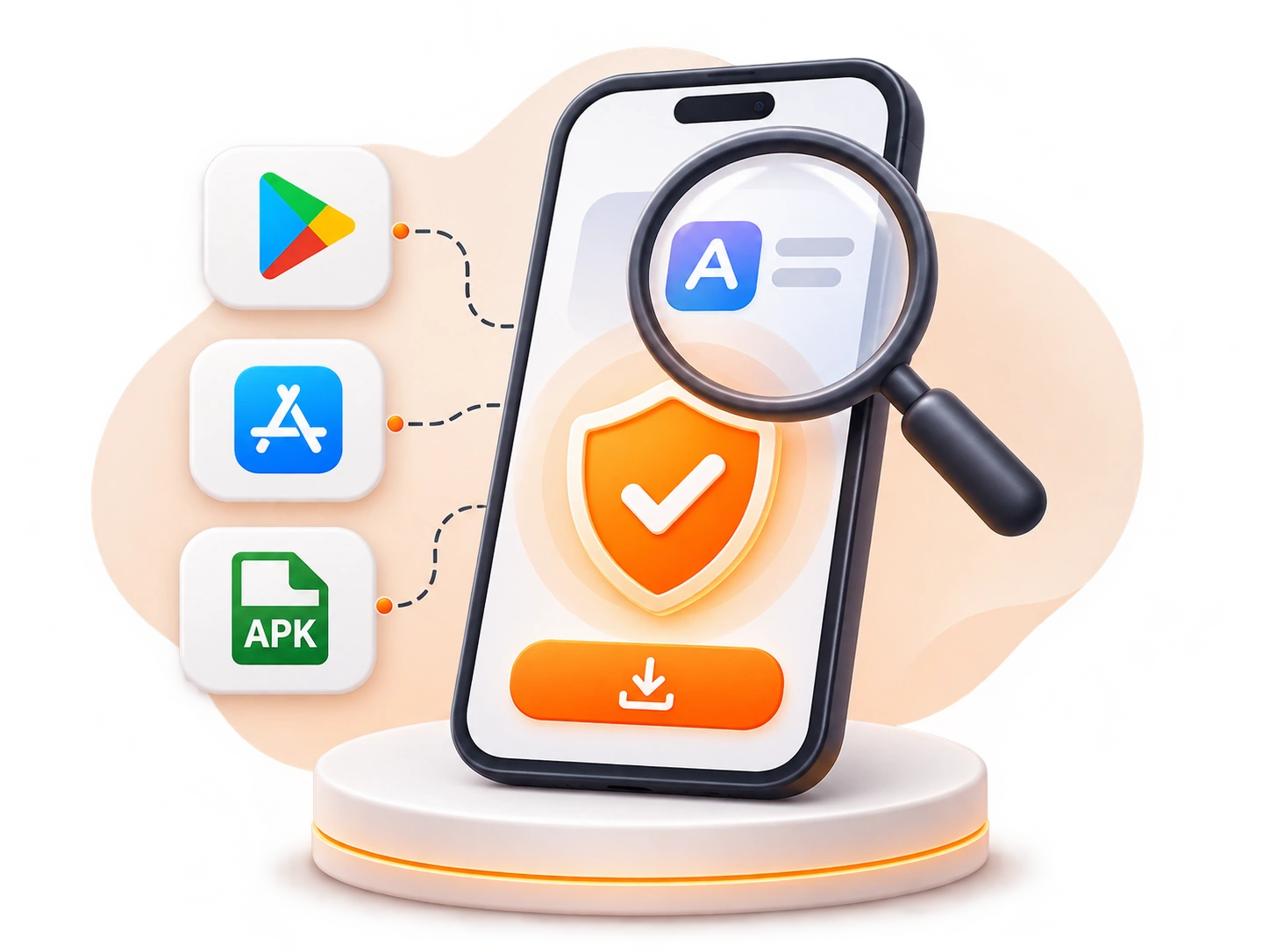
Check if it matches the real store listing.
See if the developer is consistent and credible.
Review what the app can access and how it uses data.
Look for real feedback and suspicious review patterns.
Spot subscriptions, auto-renewal risks, and other red flags.
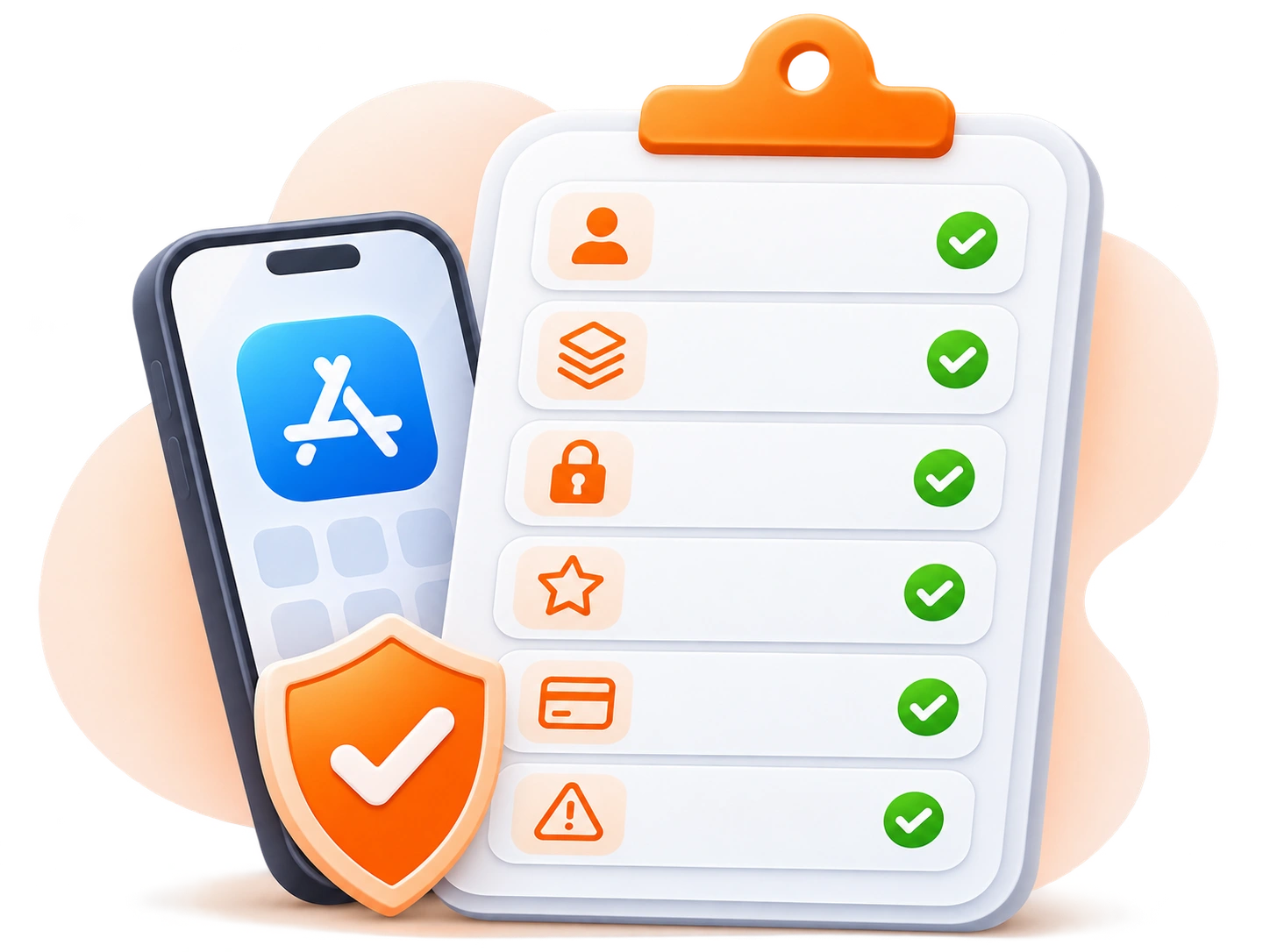
A focused check of whether an app looks like the real, official app and whether it has early risk signals.
Official listing verification — Find and review the app’s official store listing (Google Play or App Store).
Developer consistency — Check whether the developer name, website, and details match.
Package/signature matching — Compare the package ID (and signature, when available) with the official listing.
Permissions review — Look at key permissions and flag potentially excessive access.
Privacy/tracking disclosures — Review the app’s privacy information and known trackers.
Recurring billing clues — Check for in-app purchases, subscriptions, and auto-renewal details.
Compare an official store reference with a submitted app to spot differences and potential risks.
Developer: Example Company · fictional
Illustrative file · no file was uploaded
All names, identifiers, files and statuses in this comparison are fictional examples. No app has been verified.
Search by app name, paste a store URL, or select an APK for local preview.
Review available listing, developer, permission, review and source information.
Check developer, package/signature, permissions, privacy and billing signals.
Read the evidence, gaps and next steps before deciding what to do.
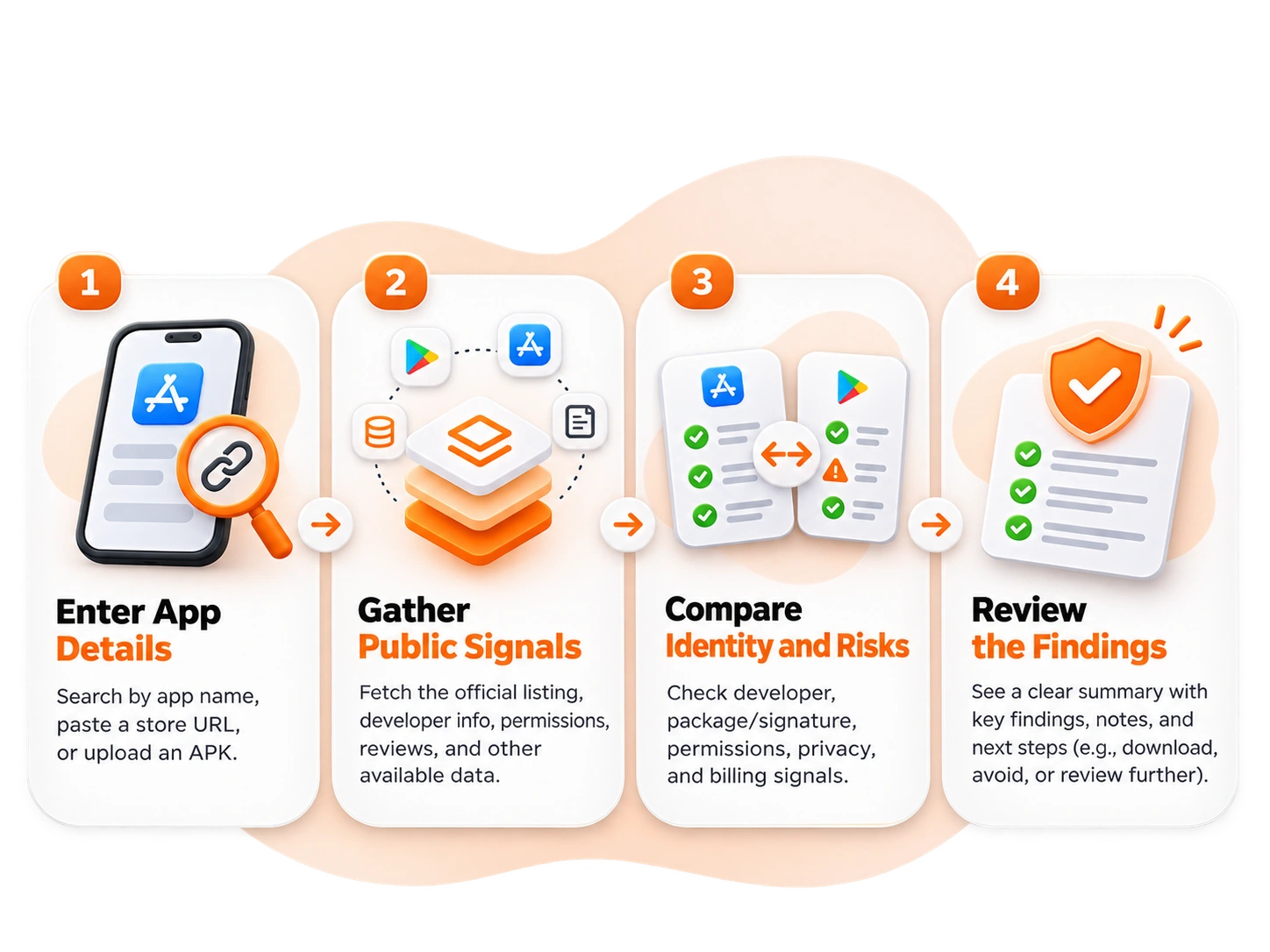
Illustrative concept only. Artwork labels and statuses are not verified findings or confirmed live coverage.
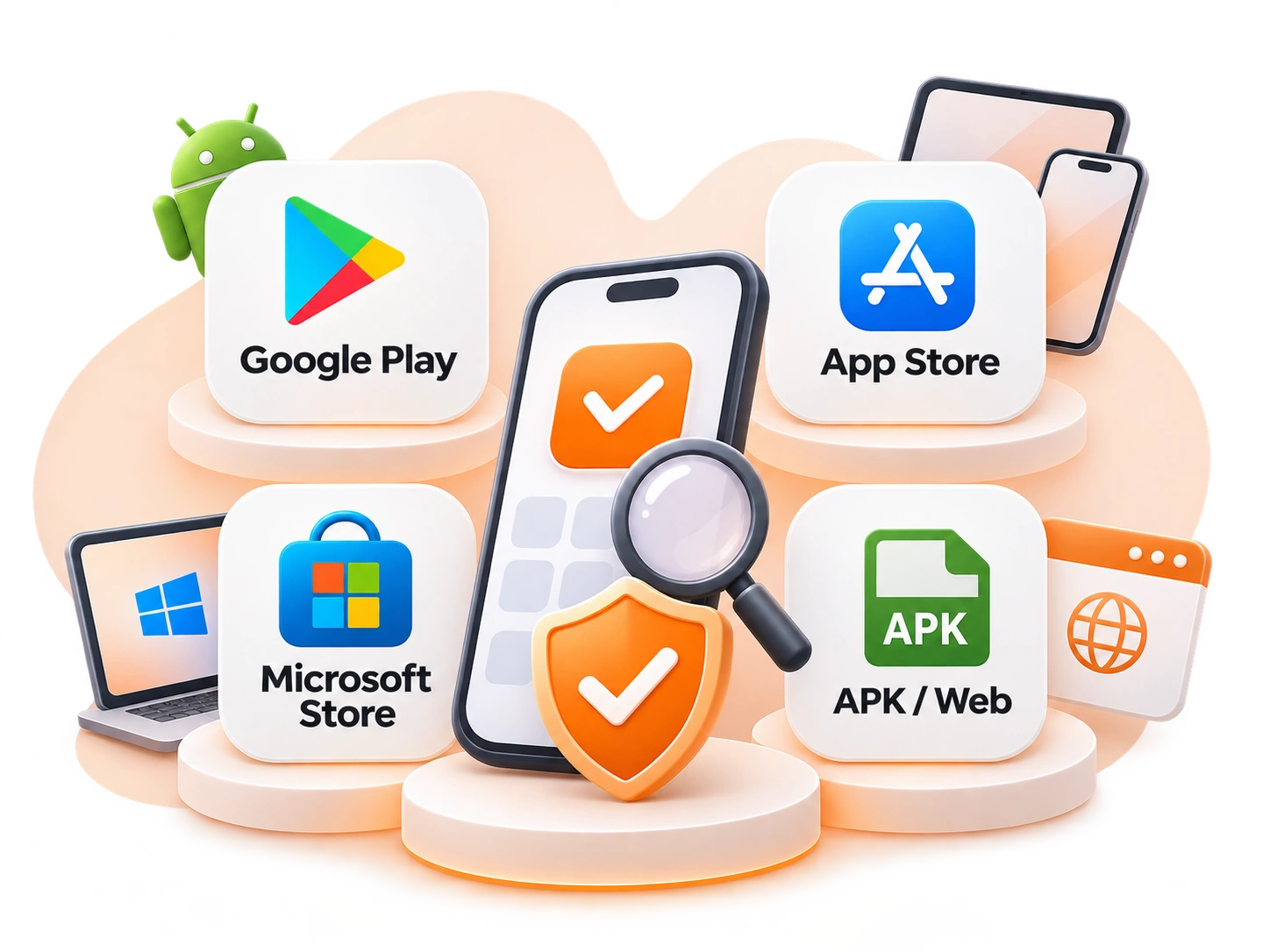
Illustrative concept only. Artwork labels and statuses are not verified findings or confirmed live coverage.
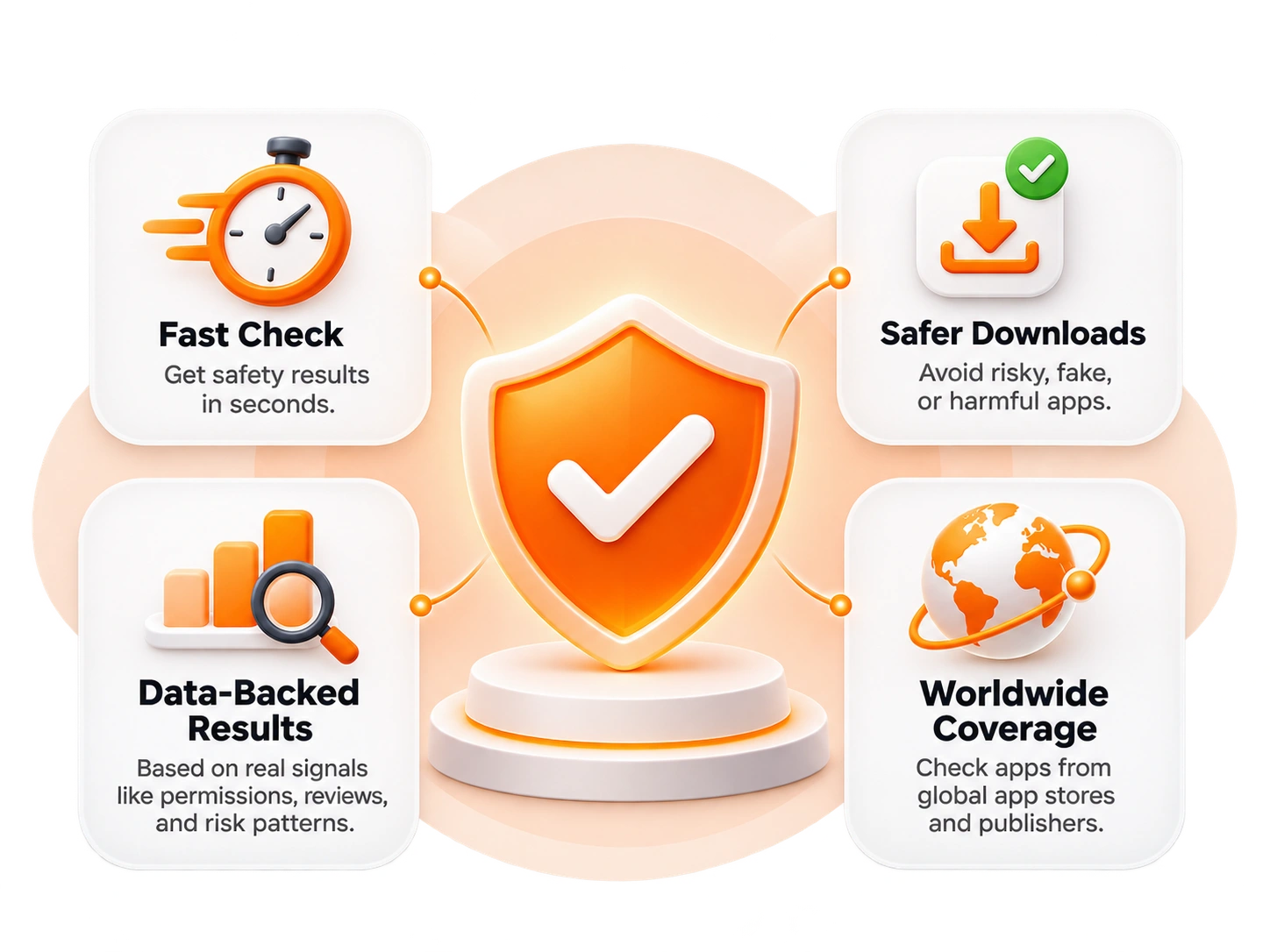
Illustrative concept only. Artwork labels and statuses are not verified findings or confirmed live coverage.
Imitates a popular app, uses a similar name or icon, or comes from an unofficial source.
Requests more access than expected for its core features.
Look for known trackers and review what data the app may collect or share.
Unnatural, repetitive, or low-quality reviews that may try to boost ratings.
In-app purchases, auto-renewal, or trial-to-paid terms that aren’t clearly explained.
Apps that haven’t been updated for a long time may have security risks.
Avoid fake, risky, or misleading apps and download with more confidence.
Check apps your kids want to install, including permissions and potential risks.
Verify shopping, payment, or deal apps to reduce the risk of scams and unwanted charges.
Screen apps before company use to help protect data and support internal reviews.

Illustrative concept only. Artwork labels and statuses are not verified findings or confirmed live coverage.
No tool can guarantee an app is safe in every situation or version. This frontend preview does not assess apps. Real findings will need source-linked evidence, and they will not be a promise of malware-free or risk-free behavior.
An app name is a starting point and can be ambiguous. A store URL identifies a specific listing. An APK or package ID can support a comparison of app identity, signatures and permissions. In this preview, files remain local and no lookup or scan runs.
The interface includes each of these review areas. Live data collection and evidence-based findings will be connected separately. Store privacy labels and publisher statements should be treated as disclosures, not independent proof.
A completed comparison may reveal differences in developer names, package identifiers, signatures or sources. Differences require context. This preview uses fictional examples and does not identify any real app as fake.
Review an app’s source, developer, permissions, privacy, reviews, and billing risks — so you can download with more confidence.