Family Scam Protection
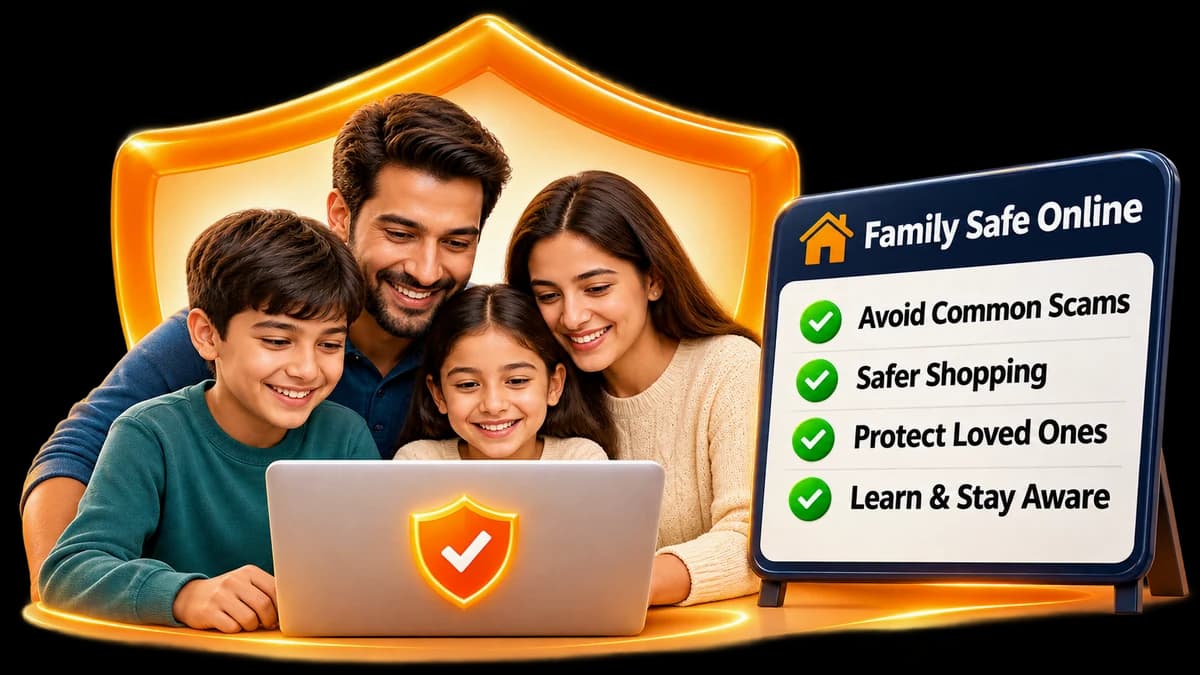
Protect Your Family From Online Scams
Create a family safety hub, set scam warnings, and check suspicious messages, offers, or purchases with privacy and control.
- Family Safety Rules
- Purchase Risk Checks
- Scam Alerts & Guidance
- Education for All Ages
Your Family Safety Dashboard
Sample dashboard. Try the settings before opening a private profile.
Your Family Members
Add sample members using nicknames.
Scam Categories to Watch
Choose the types of scams you want your family to watch for.
Your Family Safety Rules
Turn on the warnings that fit your household.
Check a Suspicious Situation
Get a checklist of warning signs to review before you act.
Privacy & Safety Promise
- Nicknames are enough. Keep contact and financial details private.
- You choose what to check and what to share.
- Sample dashboard changes last until you leave or reload.
- Guidance helps you review risks before taking action.
Family Safety Checklist
Simple, practical steps to keep everyone safer online.
- Talk with your family about common online scams.
- Check websites and sellers before buying or paying.
- Pause when an offer is urgent or seems too good to be true.
- Keep login codes, passwords, and card details private.
- Use payment methods that offer buyer protection.
- Ask someone you trust when a message feels suspicious.
Scam Safety Guides for Your Family
Age-appropriate guidance for everyone at home.
How It Works
A simple way to build safer habits with your family.
- 1Create a Family Profile
Set up your household using nicknames.
- 2Choose Safety Rules
Select the scam warnings that matter to you.
- 3Check & Review
Review warning signs in offers, links, or messages.
- 4Learn & Stay Safe
Share practical safety tips with your family.
Related FRD Tools
Keep Your Family Safer Online
Set up a private profile and choose warning rules for your household.