
Fraud Intelligence Tool

Scam Risk Simulator

Compare hypothetical purchase scenarios against a baseline and see what to verify before you pay.
  • Scenario-Based Learning
  • Side-by-Side Risk Comparison
  • Practical Next Checks
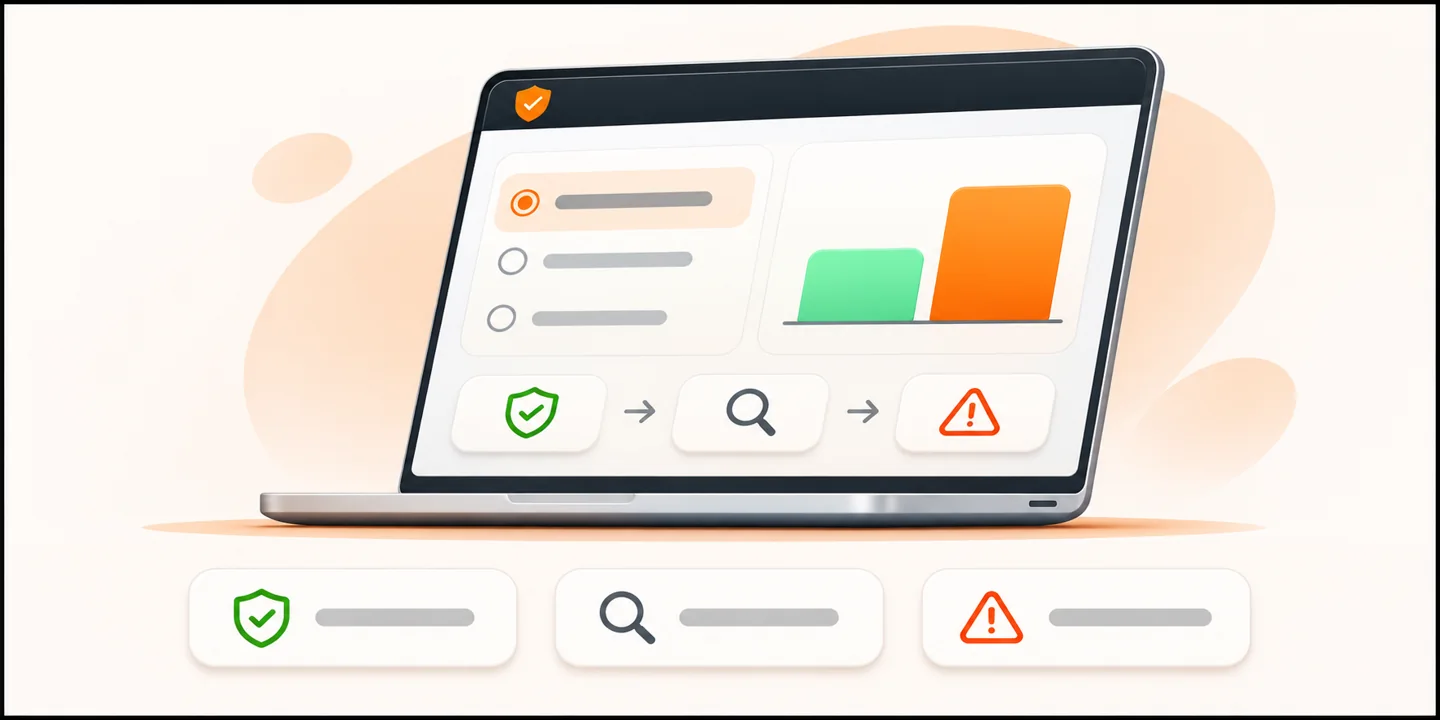
Illustrated laptop comparing baseline and hypothetical purchase scenarios

Run a Scam Scenario Simulation

Set your starting assumptions and choose one change to compare.

Baseline Setup

Scenario Selection

Simulation Preview

Seller requests bank transfer

Payment moves outside marketplace checkout to a direct transfer.

Impact Summary

Concern LevelHigher
Buyer ProtectionNo protection
Payment MethodDirect bank transfer

Educational comparison. Concern levels reflect the selected assumptions.

Before vs. After: How the Risk Outlook Changes

Online marketplace · Individual seller · $200.00 item value

Baseline: Purchase Assessment

Lower concern
Payment Method
Marketplace checkout
Buyer Protection
Protection confirmed
Checks to Review
Confirm the stated checkout terms

Simulated Scenario: Outcome

Higher concern
Payment Method
Direct bank transfer
Buyer Protection
No protection
Checks to Review
Direct bank transfer · No protection

Seller requests bank transfer Confirm the request with the platform. Review payment protections before agreeing to any change.

Why the Risk Outlook Changes

Payment Method

A change in payment method can affect the available dispute or refund process.

Seller Behavior

A new request can change what you need to verify before paying.

Identity Differences

Check why names or recipient details changed before sending money.

Missing Evidence

Missing order records or written terms can make a dispute harder to support.

Pressure Tactics

Urgency leaves less time to check the seller, item and terms.

How It Works

  1. 1

    Create Baseline

    Enter the starting purchase details.

  2. 2

    Choose Scenario

    Pick one change to the original setup.

  3. 3

    Compare Outcomes

    See what changes in payment, protection and open questions.

  4. 4

    Decide Next Checks

    Verify the facts that matter before paying.
What It Simulates

Compare a purchase setup with one hypothetical change, such as losing buyer protection or switching to direct transfer.

A hypothetical scenario illustrates how assumptions change the checks a buyer should make.

Safer Alternatives & Next Steps

Safer Buying Checklist

  • Use the marketplace’s official checkout where possible.
  • Verify who operates the store and who will receive payment.
  • Check refund, return and buyer protection terms in advance.
  • Take time to verify urgent or unusually cheap offers.
Open Private Simulator Workspace
Private, defensive and offline-only · 0023

Purchase Risk Scenario Simulator

Explore how hypothetical changes would affect a purchase assessment. Compare scenarios against your frozen evidence baseline to understand which assumptions deserve closer attention.

Investigations · Purchase Shield · Trust Stress

Create private baseline

No additional workspace links

Only scoped evidence identifiers, assessment metrics and hashes are snapshotted. No raw documents or private payment details.

Private simulations

Explore Risks Before You Pay

Compare scenarios and decide which purchase terms to verify.

Try the Scam Risk Simulator